
Have you seen this error message in Outlook??
This is a bug and can be resolved by following the few steps below. If you have any issues or questions, please let me know. Once you finish give it a few minutes to re sync and it will work again.
1. Click here
2. Right click Calendar
3. Click "Properties..."
4. Click "Clear Offline Items"
5. Click "OK"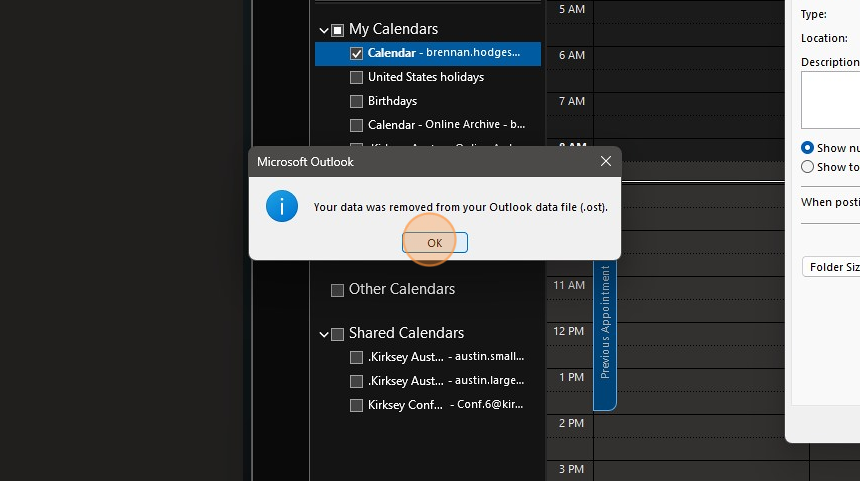
6. Click "OK"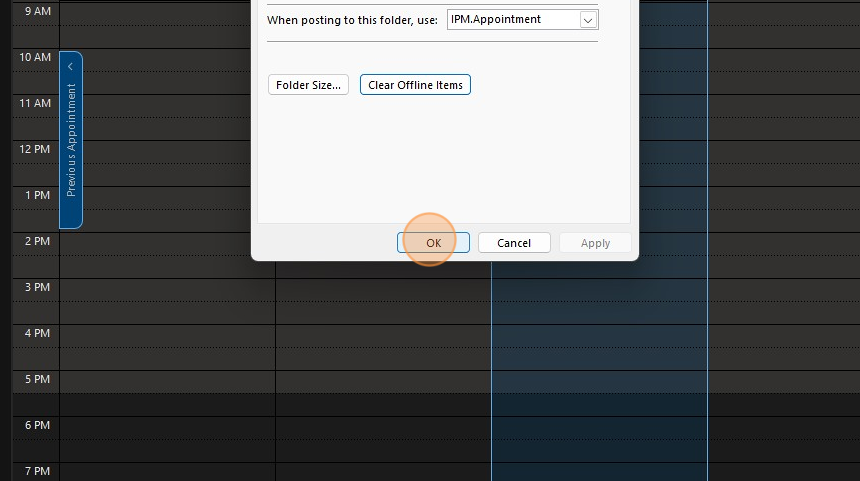
Comments
0 comments
Please sign in to leave a comment.