How to create a Bluebeam Digital ID

Creating a Digital ID in Bluebeam
1. Open Bluebeam
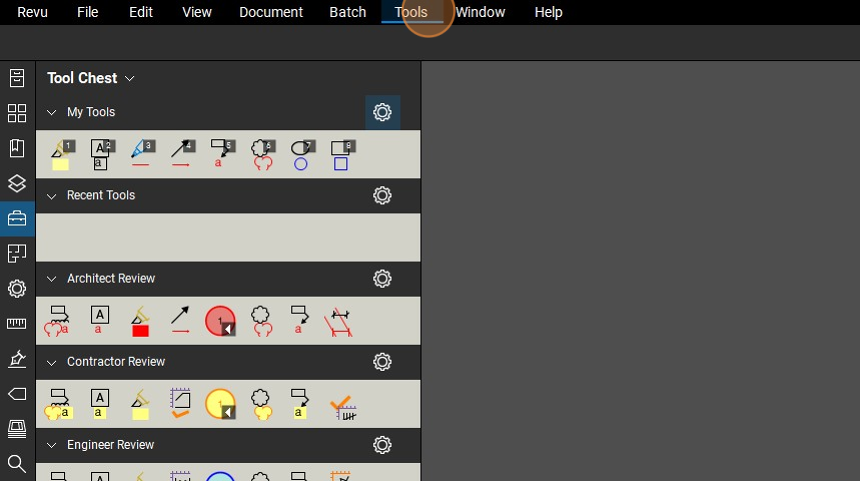
2. Click "Tools"
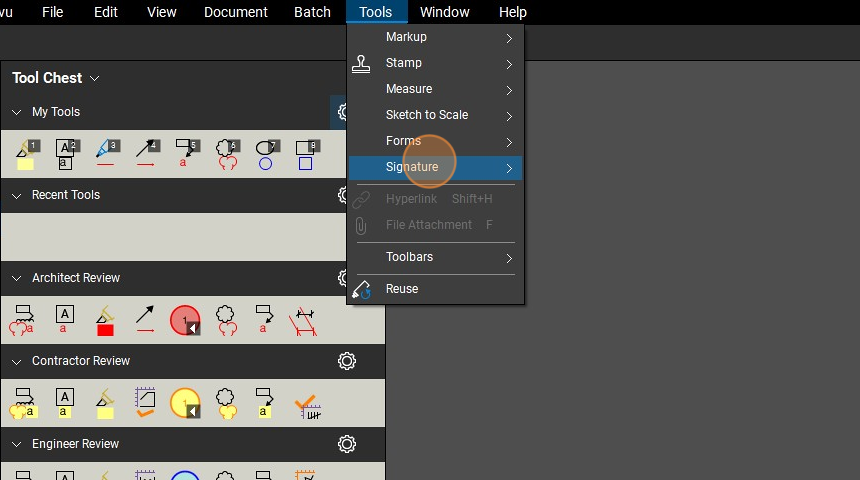
3. Click "Signature"
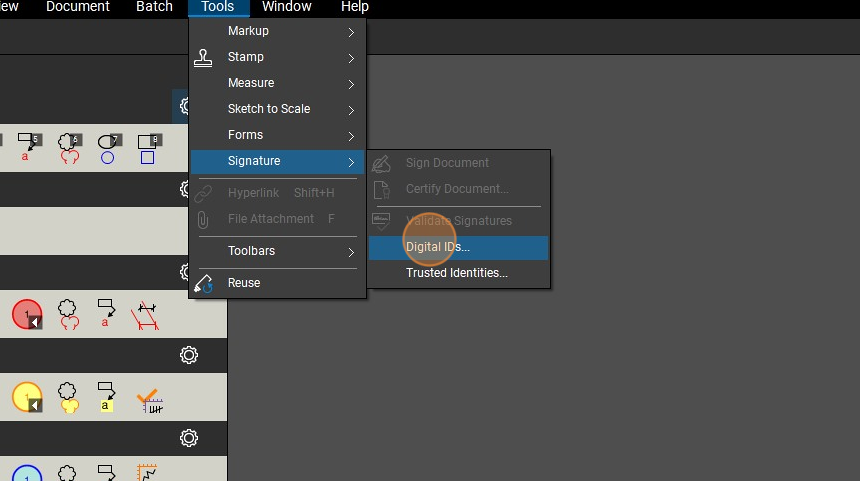
4. Click "Digital IDs..."
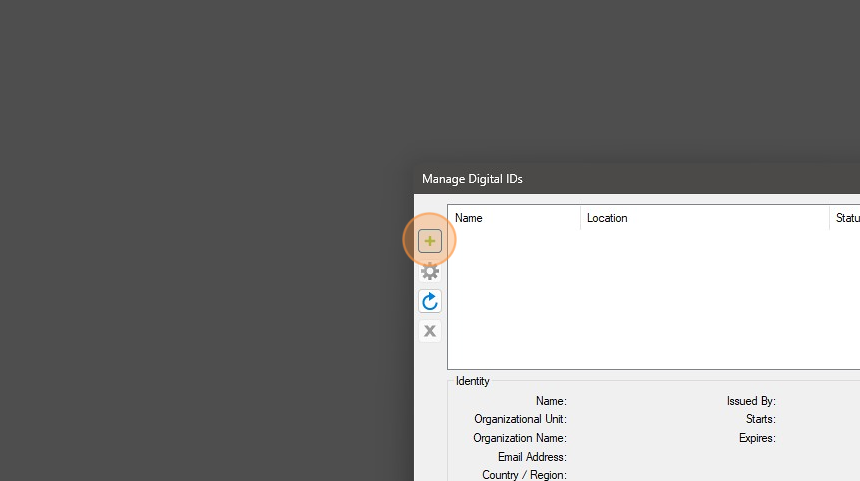
5. Click the + icon
6. Click "Create Digital ID in Windows Certificate Store"
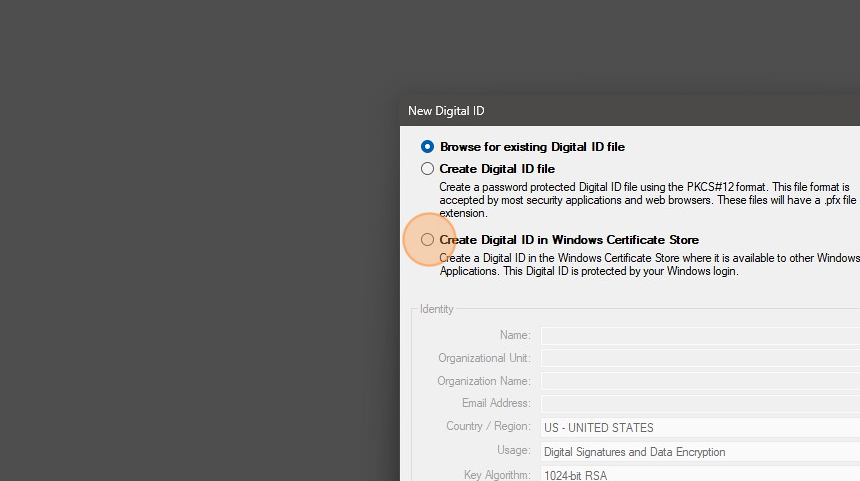
7. Click Name
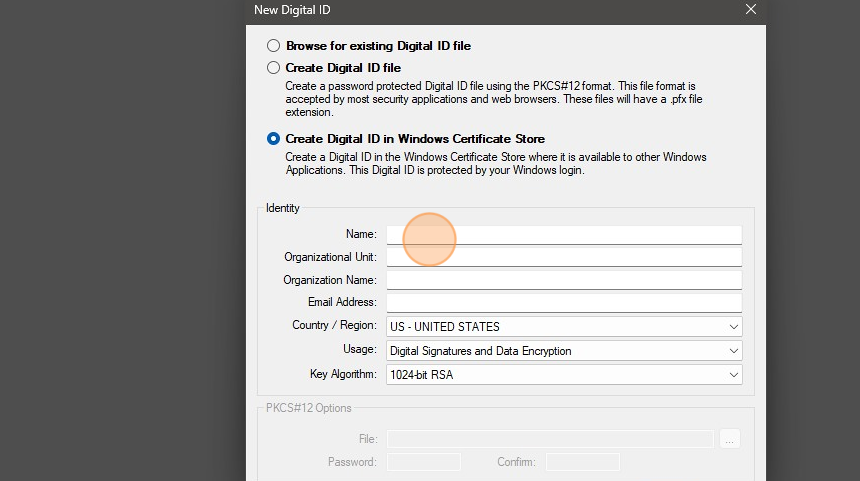
8. Type your name
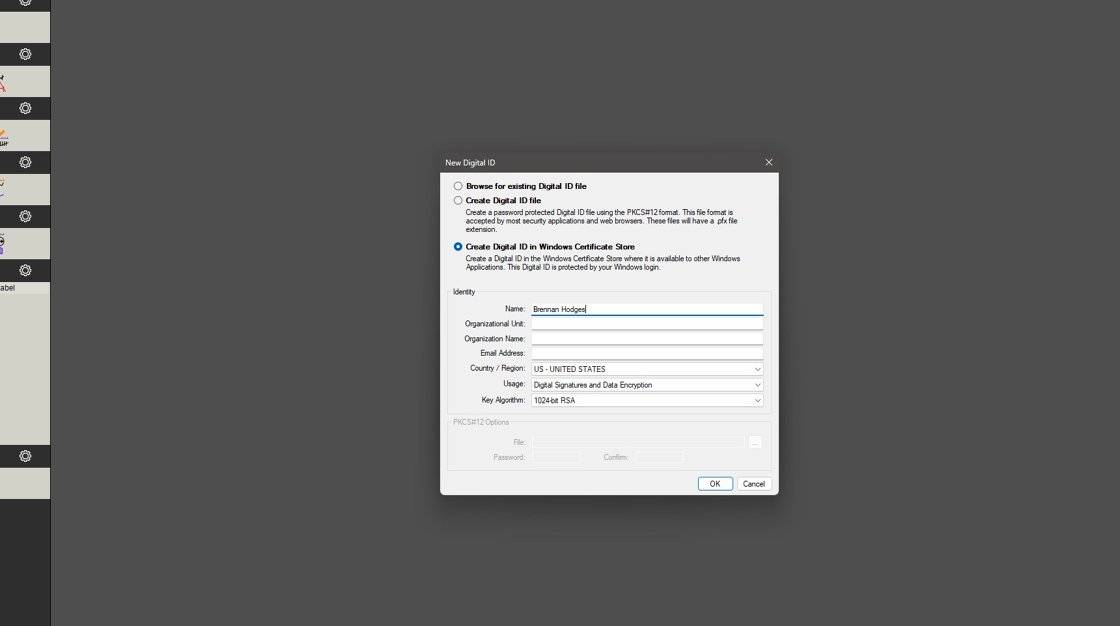
9. Click email address
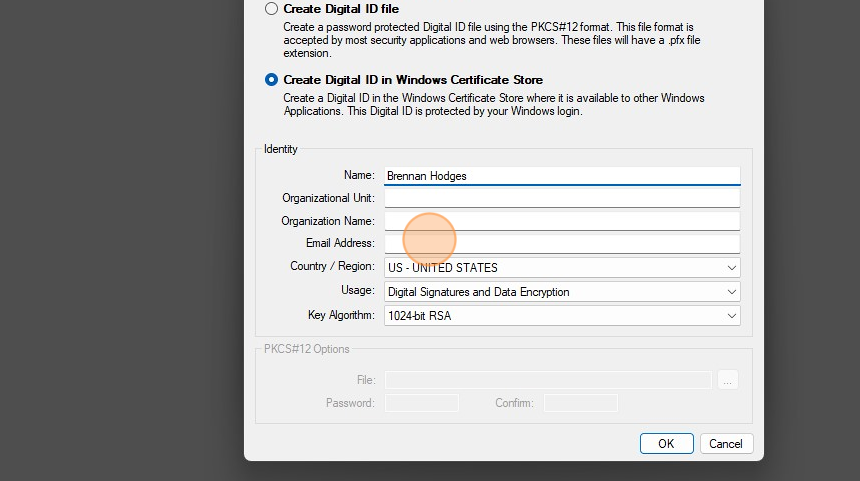
10. Type yourname@kirksey.com
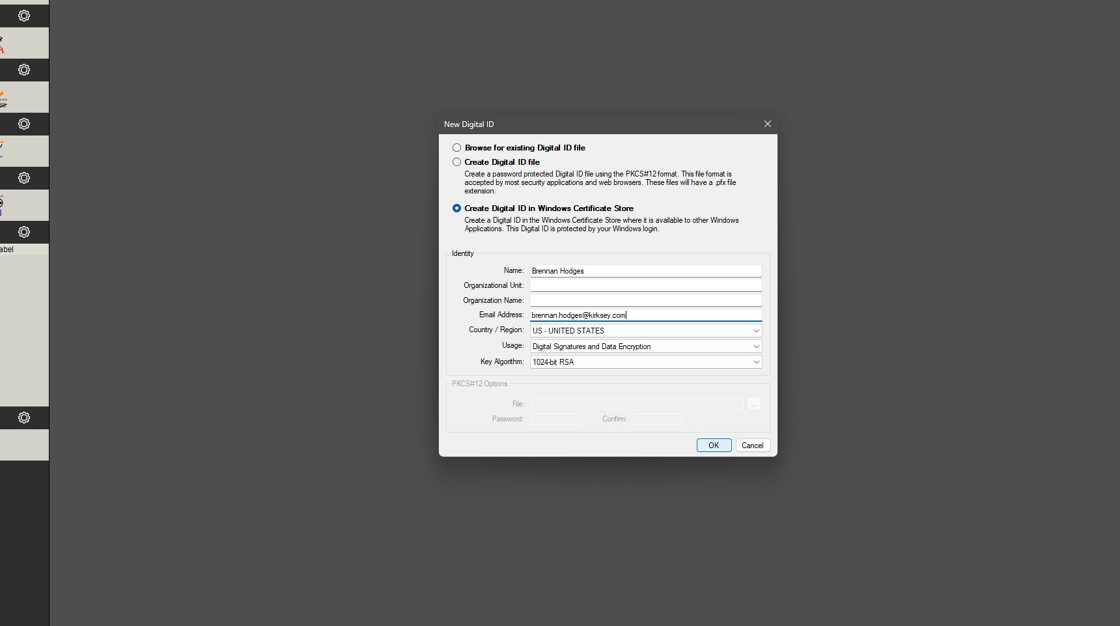
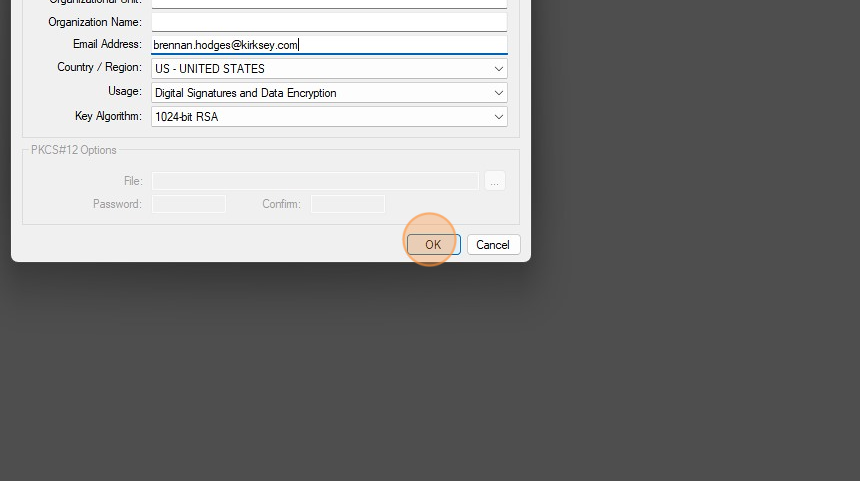
11. Click OK
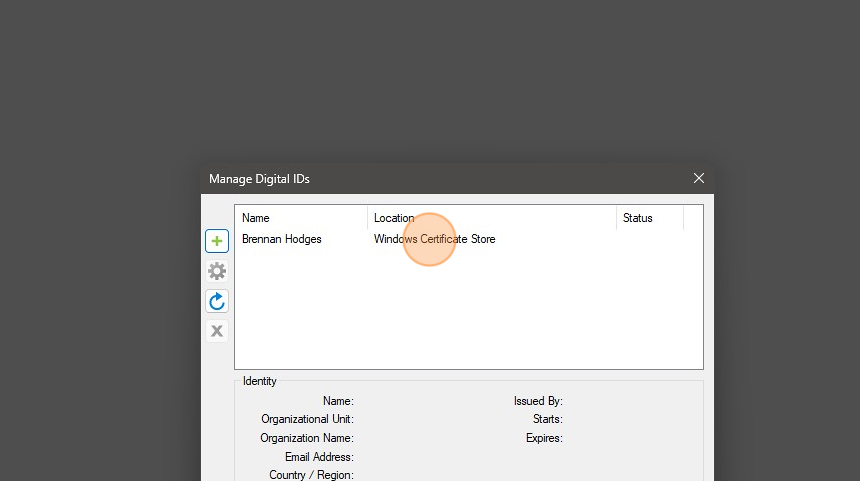
12. Your Digital ID should now show here
0
Please sign in to leave a comment.
Comments
0 comments